Powerful SQL editor
Write and run one or many queries with syntax highlighting, schema-aware suggestions and keyboard shortcuts.
Fast, stable and developer-friendly.
Astoria SQL Client is a fast, cross-platform desktop application for
working with MySQL databases. Built primarily for developers, it makes
it easy to browse data, write SQL, modify database structures, and
import or export data.
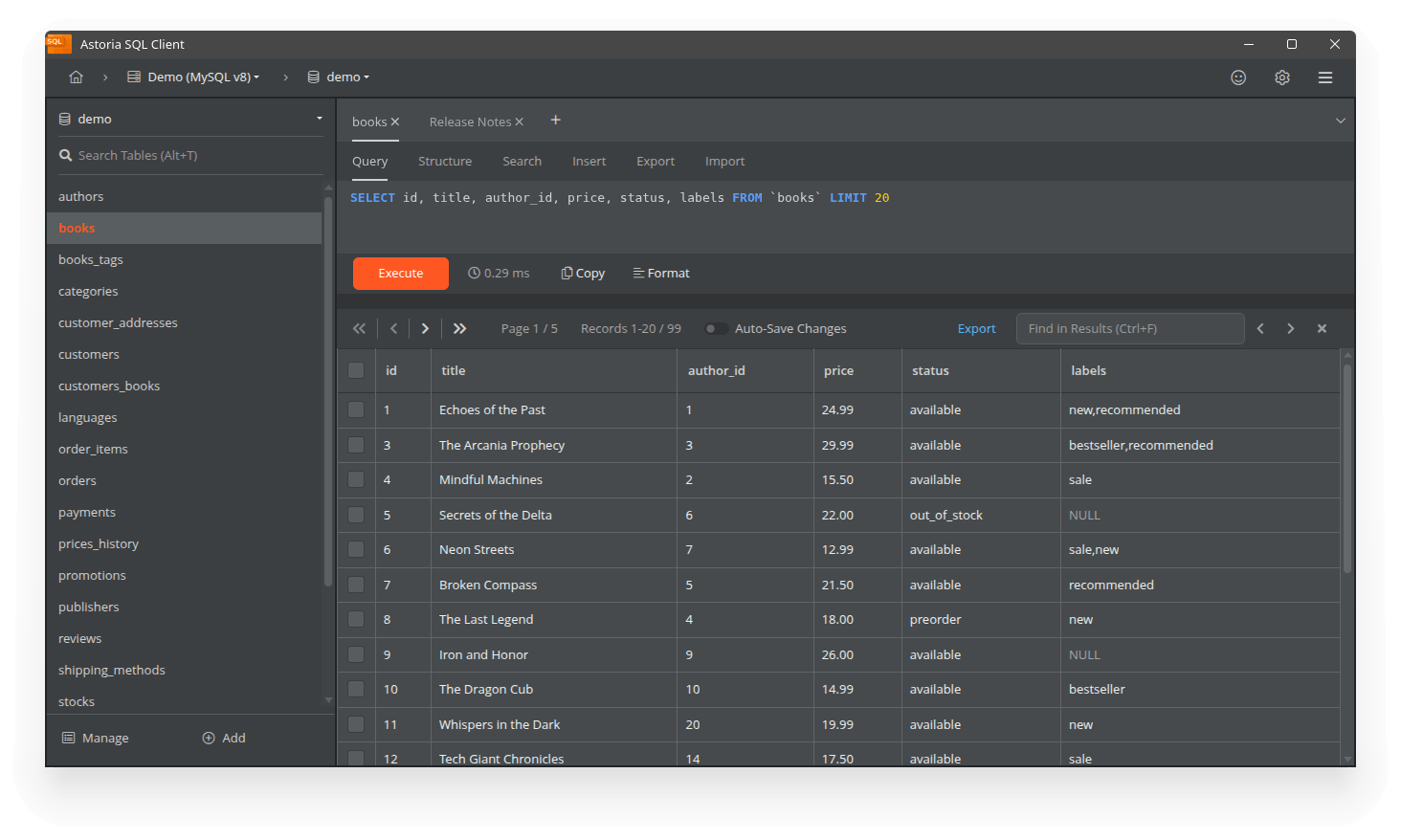
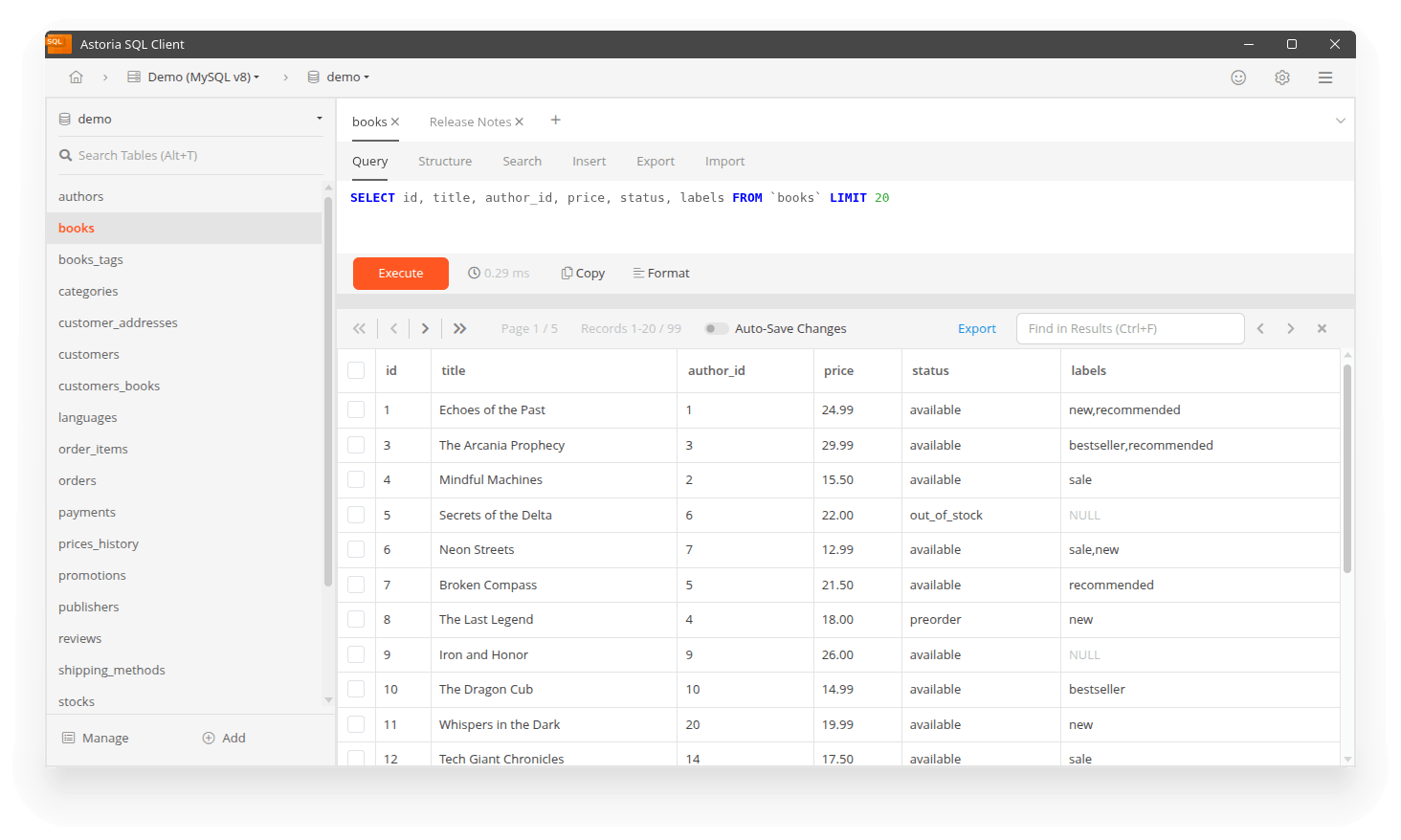
Move naturally between a powerful query editor and visual tools for everyday database tasks.
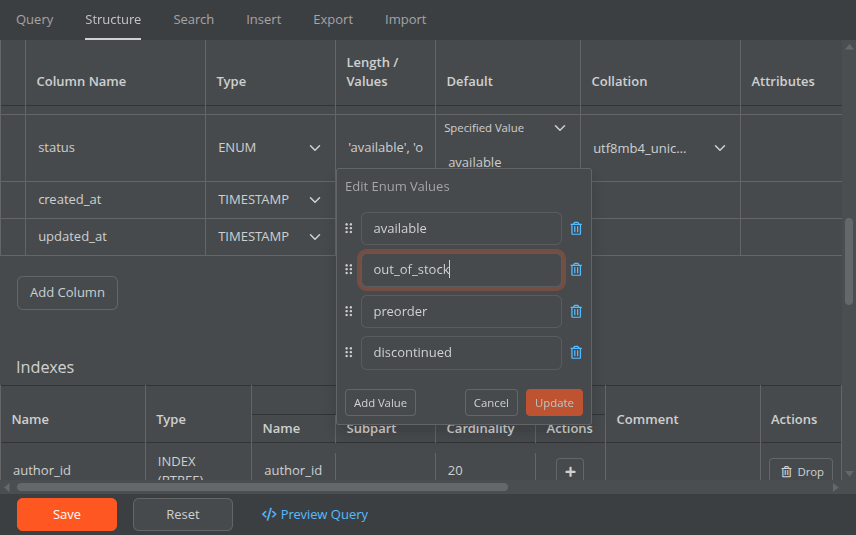
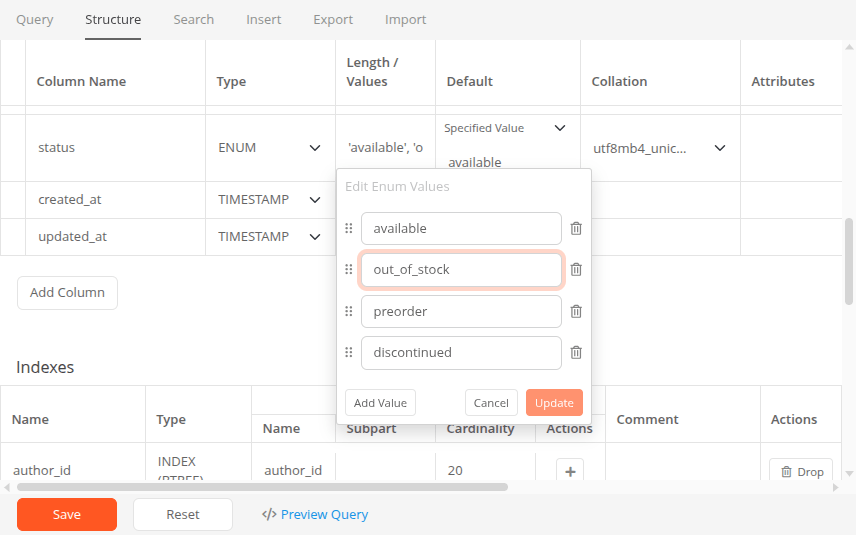
Browse data and manage columns, indexes, foreign keys, ENUM and SET values from a clear visual interface.
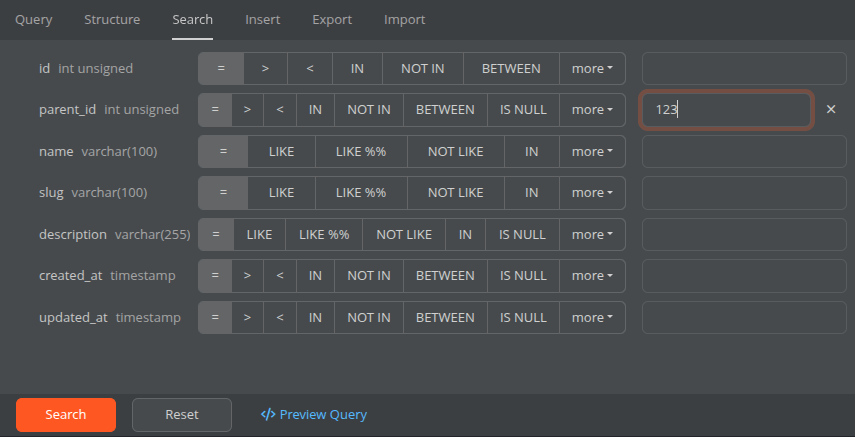
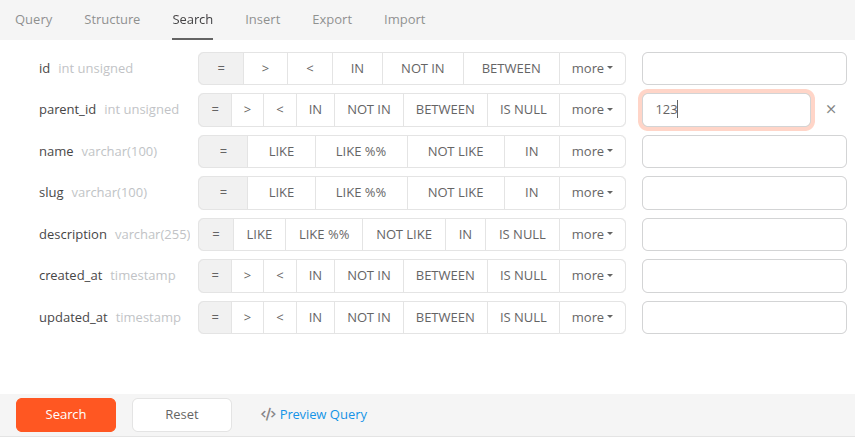
Build precise filters with SQL operators, preview the query and inspect results without writing it all by hand.
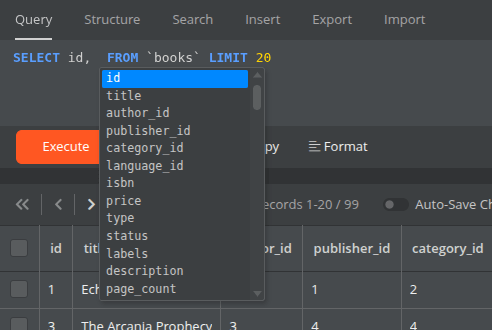
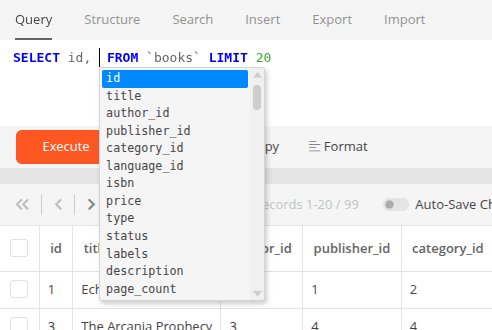
Schema-aware autocomplete, multiple-query execution and interactive results keep you in flow.
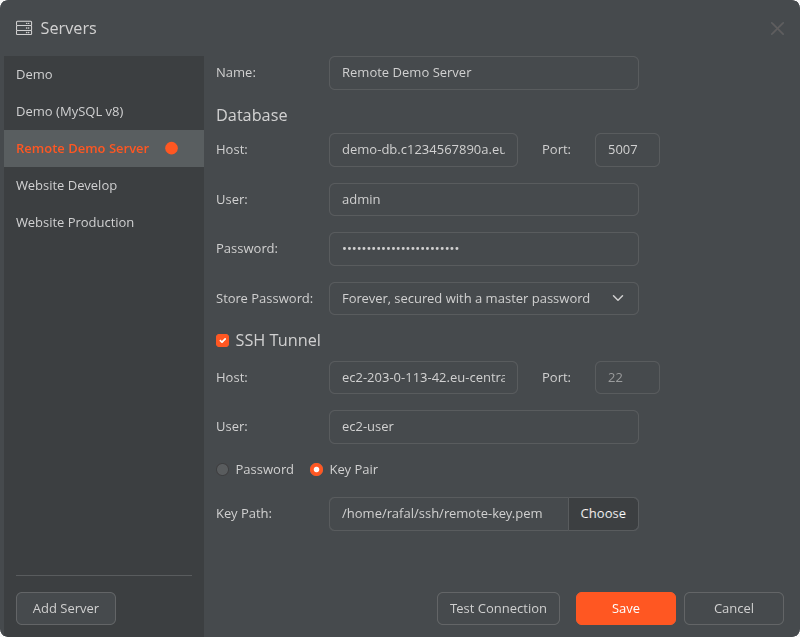
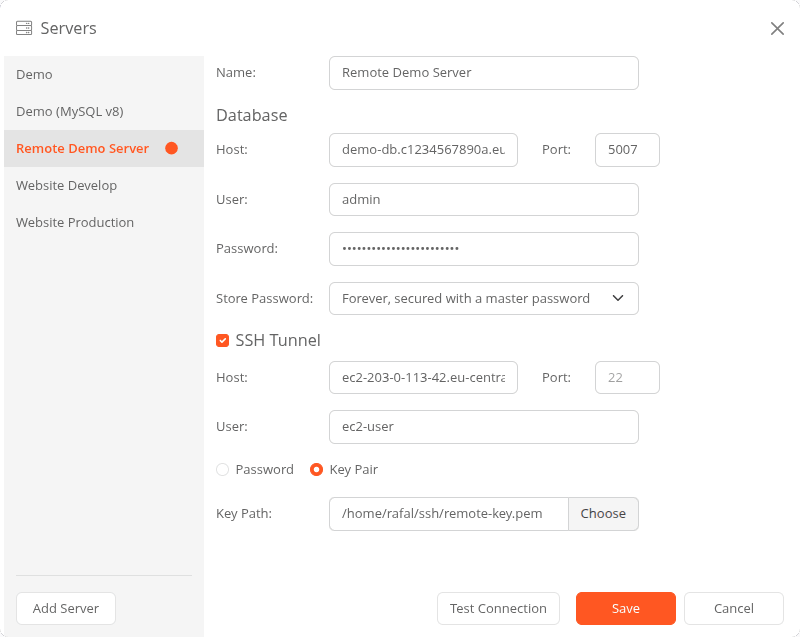
Save MySQL connections, use password or key-based SSH tunnels, and encrypt credentials stored on your computer.
Flexible tools for moving anything from a few selected records to a large database—without rebuilding your setup every time.
Bring in SQL, CSV and spreadsheet files with automatic format detection, data preview, column mapping and progress tracking for large imports.
Export complete databases, selected tables, query results or individual records to SQL, CSV, XLSX and ODS.
Choose the export options you use most often once, so every new export starts with the settings that fit your workflow.
Astoria SQL Client remembers your context, keeps common actions close at hand and removes friction from repetitive database work.
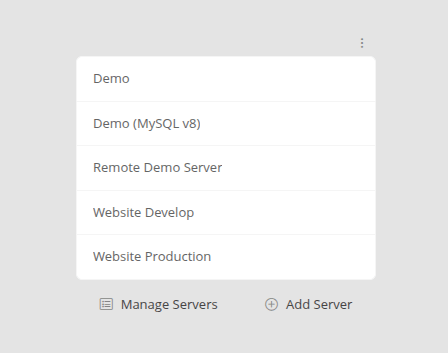
Each saved server currently acts as its own workspace. Astoria SQL Client remembers its open tabs and their order, so your project is ready when you return.
Keep development and production workflows clearly separated.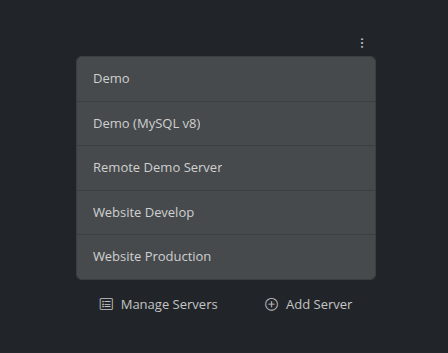
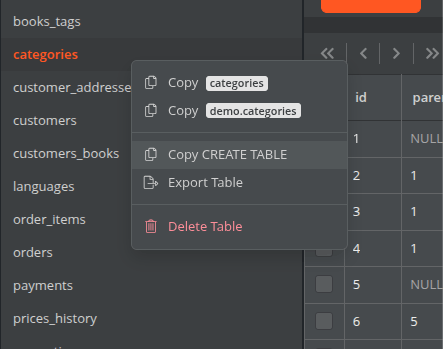
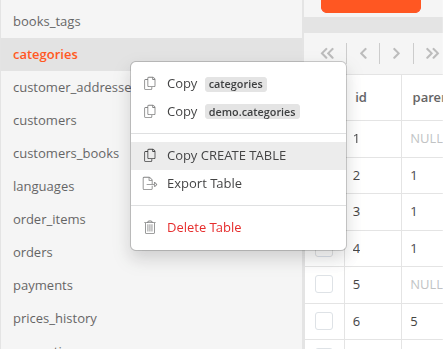
Common database actions are one right-click away—from copying a single value to generating an INSERT statement.
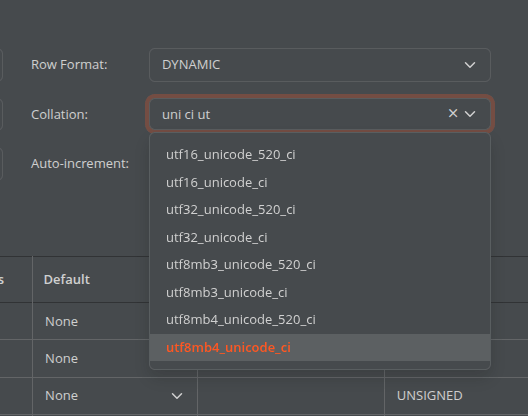
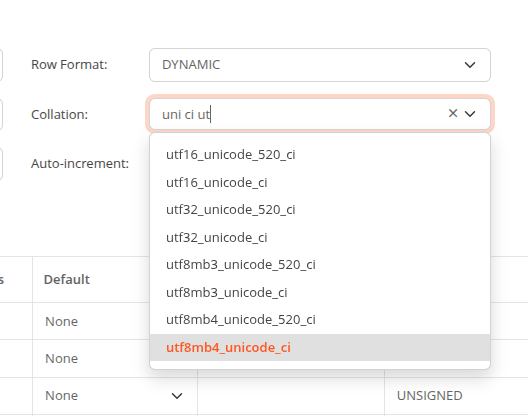
See collations used in the current database first, then filter the complete list with just a few characters.
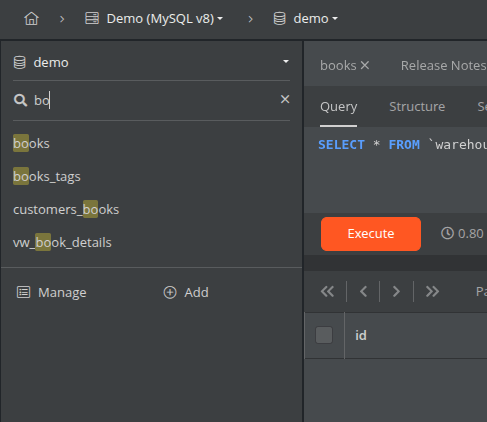
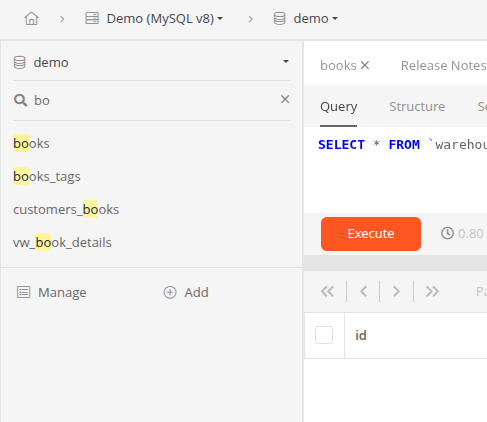
Filter long table lists instantly and keep the database object you need within reach.
Astoria SQL Client currently supports MySQL. Support for other database engines is not included yet.
The application is available for Windows and Linux.
Yes. Astoria SQL Client is currently free to use.
Connection details stay on your computer, and passwords can be encrypted and protected with a master password.
Download Astoria SQL Client and make everyday MySQL work feel lighter.
Beta · All current downloads are beta releases. Astoria SQL Client is under active development.Free to use